Guides › Best cursor highlighters
Best Cursor Highlighters for Mac in 2026, Compared
Updated 2026-10-23 · macOS 12 Monterey to macOS 26 Tahoe
Two kinds of cursor tools
Overlays draw a ring, halo or spotlight in a see-through window that follows your pointer. They can do a lot (click animations, drawing, zoom), but the ring isn't part of the pointer, so it doesn't always reach the people watching. It's the most common complaint in App Store reviews of these apps:
“Considering how expensive this tool is, it's quite disappointing that it doesn't work while screen sharing.” Cursor Pro review, Mac App Store
“I spent my entire day thinking that students were able to see the effects on my screen just to find out that they could not see any effects.” Pro Mouse review, Mac App Store
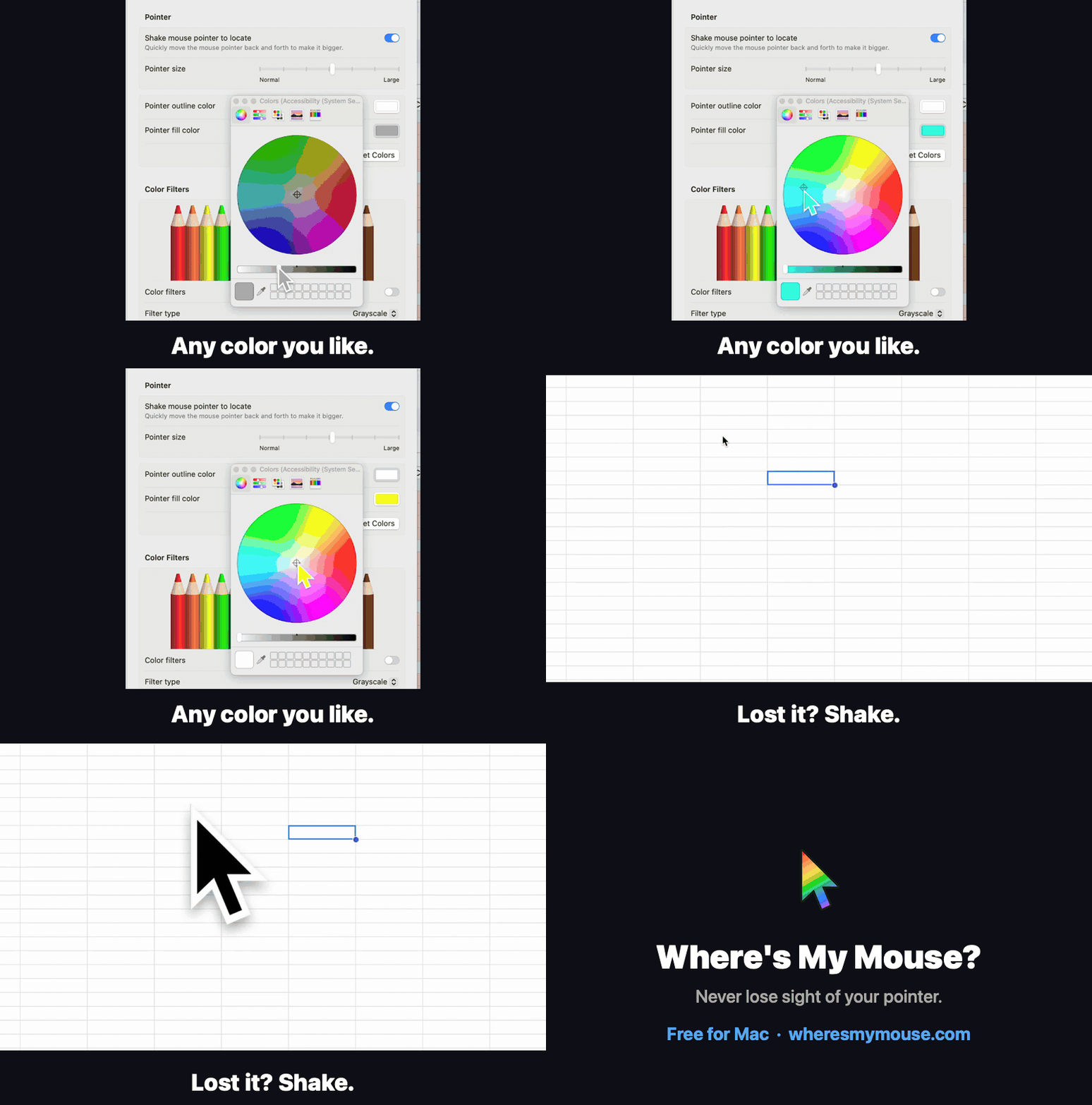
Real-pointer tools change the macOS pointer itself: its size and colors. Anything that captures your pointer captures the change. macOS's own setting does this up to 4×; Where's My Mouse? goes further.
The tools at a glance
Prices are US prices checked in October 2026.
| Tool | Type | Price | What it does to the pointer |
|---|---|---|---|
| macOS Accessibility settings | Real pointer | Free, built in | Size up to 4×, fill and outline color, shake to locate |
| Where's My Mouse? | Real pointer | Free, open source | Size up to 15× (30× while shaking), colors, presets, a different look per app |
| Mouseposé | Overlay | Annual plan, priced by region | Spotlight, click circles, keystrokes |
| Presentify | Overlay | $14.99 (Mac App Store), also on Setapp | Highlight ring, click animations, spotlight, zoom, drawing on screen |
| Cursor Pro | Overlay | $14.99 | Ring, click animations, magnifier |
| Pro Mouse | Overlay | $7.99 | Halo, click ripples, zoom, drawing, spotlight, keystrokes |
| Mouzz | Overlay | Free; Pro $14.99 | Spotlight, ring, trails, click effects |
| Mousecape | Real pointer (themes) | Free, open source | Replaces the cursor artwork; last release 2020 |
| Screen Studio | Recorder | From $9/month, billed yearly | Records without the cursor and redraws it bigger and smoother in the exported video; not live |
Which one should you use?
- Teaching or demoing live on Zoom, Teams or Meet: make the real pointer bigger and brighter. Start with macOS's own setting; if 4× isn't enough, use Where's My Mouse?.
- Presenting in a room, with click circles or drawing: an overlay app like Presentify, Pro Mouse or Mouseposé. Test it once with the projector or capture setup you'll really use.
- Polished product videos you edit afterwards: a recorder that redraws the cursor, like Screen Studio.
- Low vision or a huge screen: a bigger, high-contrast real pointer. See color pairs that stay visible.
- Custom cursor artwork: Mousecape, but it hasn't been updated since 2020.
Mouseposé alternative
Mouseposé is the oldest name here and is now sold as an annual plan. If what you need is for people to find your pointer, rather than a dimmed spotlight, a bigger, colored real pointer does that for free.
Presentify alternative
Presentify is a full annotation tool: highlight ring, drawing, zoom. If you only use the ring, a bigger, colored pointer is simpler and shows up wherever your pointer does.
Mousecape alternative
Mousecape swaps the cursor artwork using a login helper, and has had no release since 2020. If you mainly want a bigger or more colorful pointer, macOS's own color settings or Where's My Mouse?'s Cursor Recipes do that without replacing system files.
Questions
What is the best free cursor highlighter for Mac?
For a bigger, colored pointer: macOS's own Accessibility settings (up to 4×) or Where's My Mouse? (free, up to 15×). For click effects: Mouzz has a free version.
Why can't people on Zoom see my cursor highlight?
Many highlighters draw the ring in a separate window on top of your pointer, and that window isn't always included in what Zoom or Teams shares. Changing the real pointer's size and color avoids that.
Is there a free alternative to Mouseposé?
Yes. macOS's own pointer settings and Where's My Mouse? are free; Mouzz has a free version with a spotlight and click effects.
Does macOS have a built-in cursor highlighter?
Not a ring, but it can make the pointer bigger, change its colors, and enlarge it briefly when you shake the mouse.