Guides › Reset your cursor
How to Get Your Mac Cursor Back to Normal
Updated 2026-10-23 · macOS 12 Monterey to macOS 26 Tahoe
Open System Settings
Click the Apple menu in the top-left corner of the screen and choose System Settings.
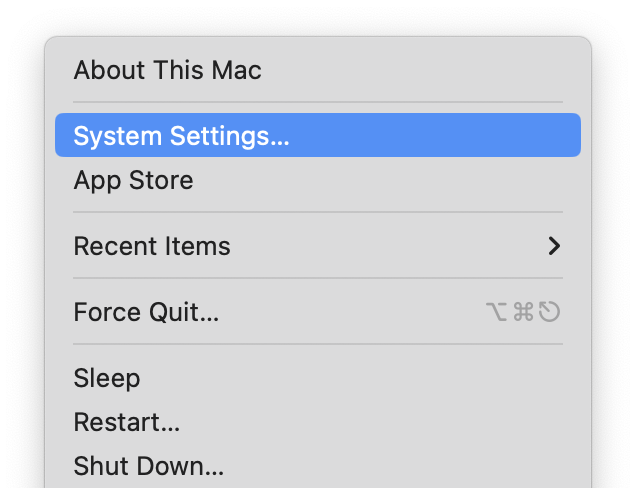 Screenshot: open-settings.pngThe Apple menu open, with System Settings… highlighted.
Go to Accessibility, then Display
Click Accessibility in the sidebar (you may need to scroll down), then click Display.
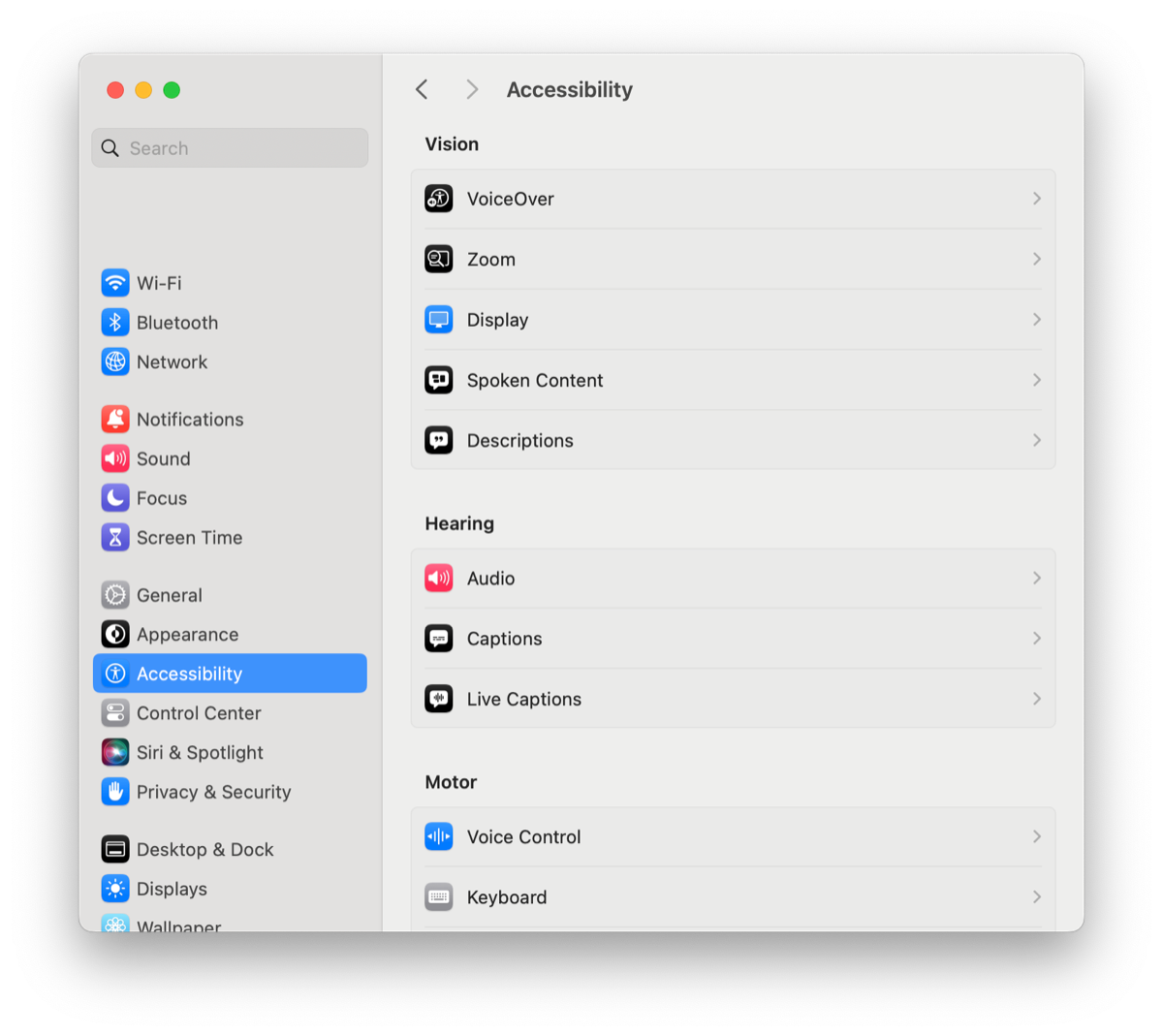 Screenshot: accessibility-display.pngSystem Settings with Accessibility selected in the sidebar and the Display row visible.
Scroll down to Pointer
Scroll to the Pointer section. Everything about the pointer is here: Shake mouse pointer to locate, Pointer size, Pointer outline color, Pointer fill color and Reset Colors.
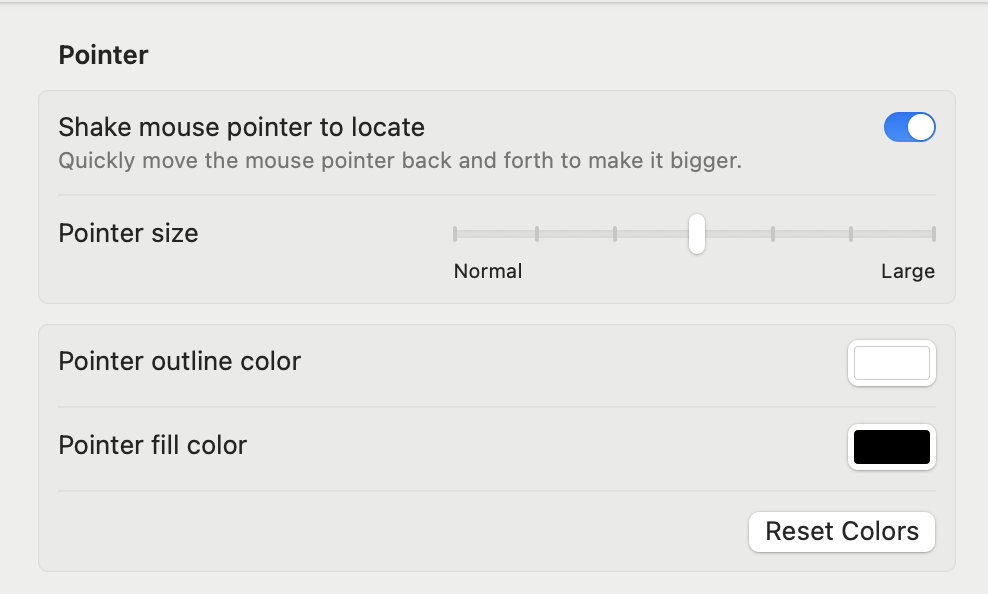 Screenshot: pointer-section.pngThe Display pane scrolled to the Pointer section, showing all five controls.
Drag Pointer size all the way left
Far left is the normal size.
 Screenshot: size-normal.pngClose-up of the Pointer size slider at the far left (Normal).
Click Reset Colors
This puts back the white outline and black fill.
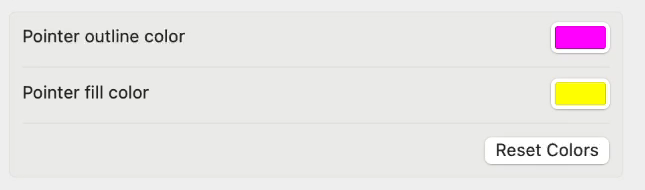 Screenshot: reset-colors.pngThe Reset Colors button in the Pointer section, highlighted.
If the cursor grows for a second when you move it
That's Shake mouse pointer to locate, which is on by default. Turn it off in the same section if it bothers you. See shake to find your cursor.
If the cursor has disappeared
- Shake the mouse or move your finger quickly on the trackpad: the pointer grows so you can spot it.
- If you have more than one display, it may be on the other screen. Keep moving it toward the edge you think it went past.
- Move the pointer onto the Dock, or press Command-Tab to switch apps. Some people report this brings a vanished pointer back.
Questions
How do I get my cursor back to normal on a Mac?
Open System Settings → Accessibility → Display → Pointer, drag Pointer size to the far left, and click Reset Colors.
How do I make my cursor smaller on a Mac?
Drag the Pointer size slider to the left in Accessibility → Display.
Why is my cursor so big on my Mac?
Either the Pointer size slider was moved, or Shake mouse pointer to locate is enlarging it while you move the mouse quickly.