Guides › Shake to find your cursor
Shake to Find Your Cursor on Mac: Turn It On or Off
Updated 2026-10-23 · macOS 12 Monterey to macOS 26 Tahoe
Open System Settings
Click the Apple menu in the top-left corner of the screen and choose System Settings.
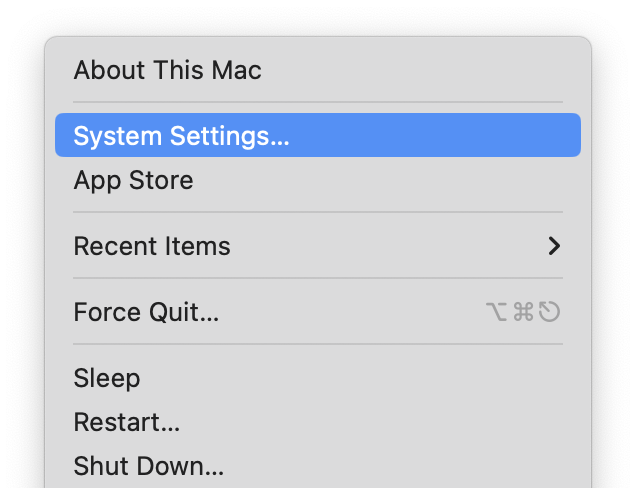 Screenshot: open-settings.pngThe Apple menu open, with System Settings… highlighted.
Go to Accessibility, then Display
Click Accessibility in the sidebar (you may need to scroll down), then click Display.
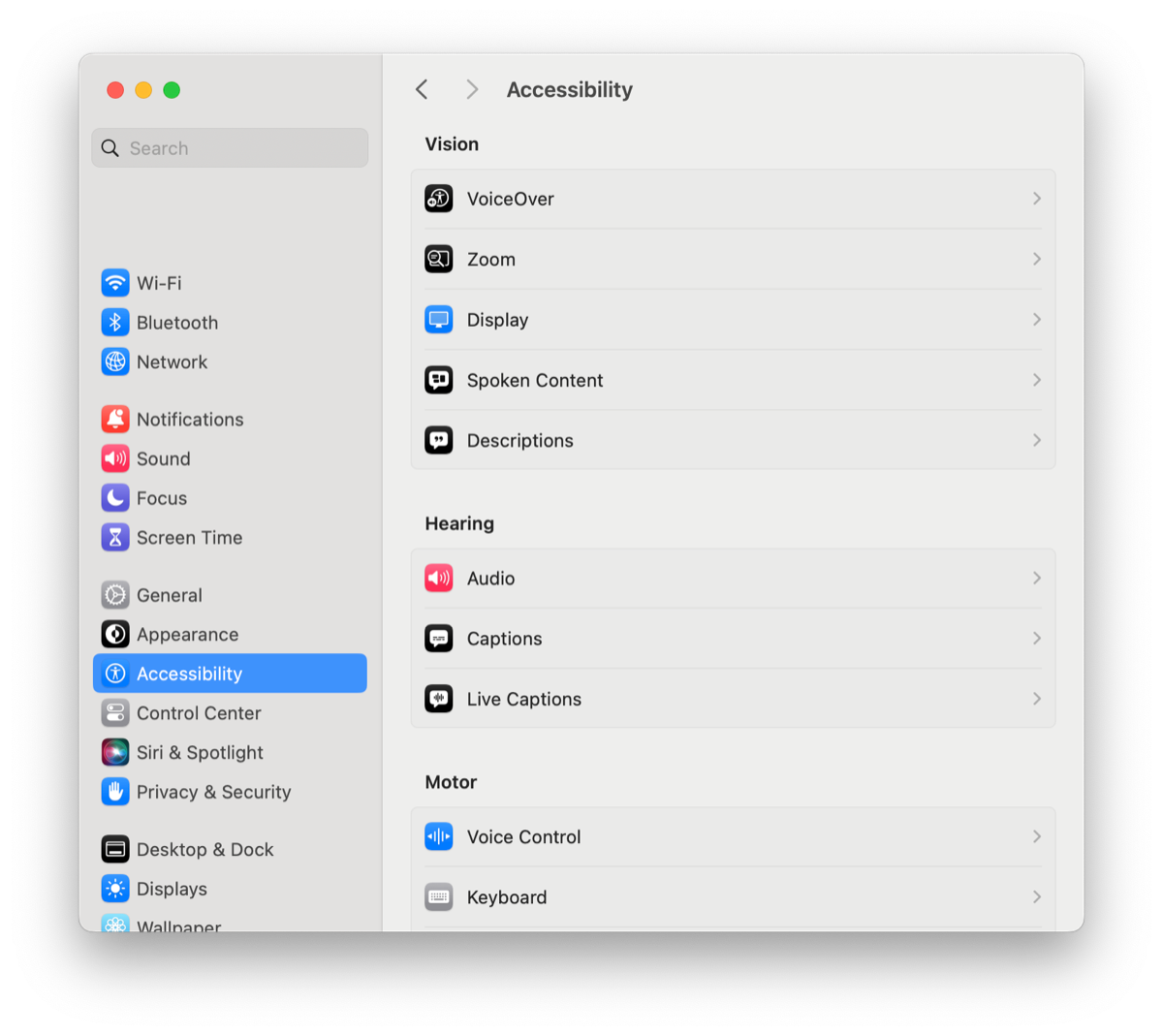 Screenshot: accessibility-display.pngSystem Settings with Accessibility selected in the sidebar and the Display row visible.
Scroll down to Pointer
Scroll to the Pointer section. Everything about the pointer is here: Shake mouse pointer to locate, Pointer size, Pointer outline color, Pointer fill color and Reset Colors.
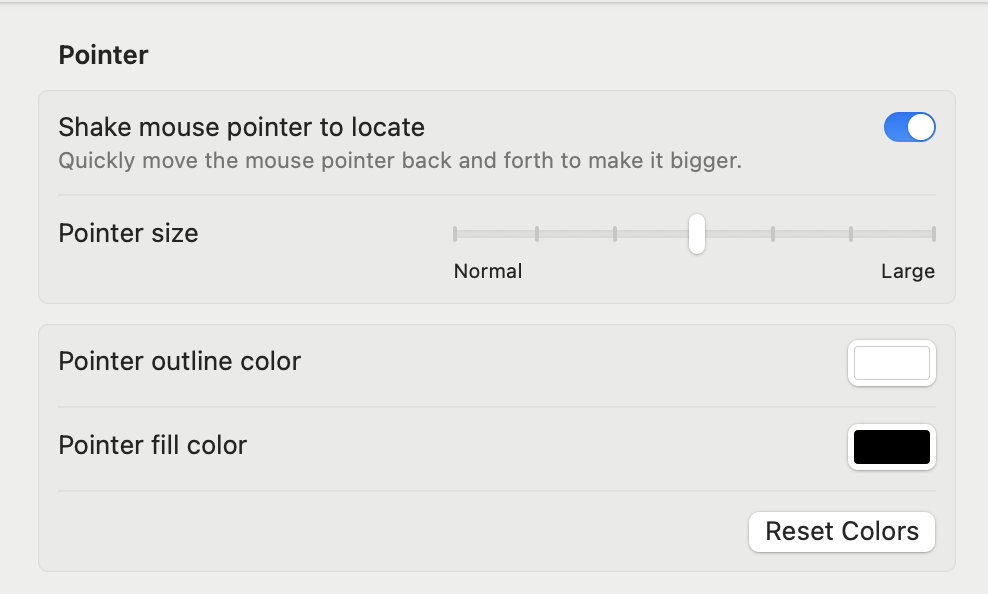 Screenshot: pointer-section.pngThe Display pane scrolled to the Pointer section, showing all five controls.
Switch Shake mouse pointer to locate on or off
On: shake the mouse, or move a finger quickly back and forth on the trackpad, and the pointer grows for a moment. Off: it never grows.
 Screenshot: shake-toggle.pngClose-up of the Shake mouse pointer to locate switch.
Why does my cursor get bigger when I shake it?
That's this feature doing its job: it's how a Mac helps you find a lost pointer. It's on by default, so many people only notice it by accident.
When shaking isn't enough
The shake only makes the pointer briefly larger, and only for a second or two. On a large display, or across several, people still lose it:
“No matter how much I shake it, the cursor is not visible.” MacRumors forum, user with two 43-inch screens
“Currently it is as brief as 1-2 seconds, I need it for more like 10-15 seconds.” Mac-Forums
macOS has no setting for how big or how long the shake makes it. A permanently bigger pointer, or a brighter fill color, helps: see change cursor size and change cursor color.
Questions
How do I turn off shake to locate on a Mac?
Open System Settings → Accessibility → Display → Pointer and switch off Shake mouse pointer to locate.
Why does my Mac cursor get bigger when I shake it?
Shake mouse pointer to locate is on. It briefly enlarges the pointer when you move the mouse quickly, to help you find it.
Can I make the shake cursor bigger?
Not in macOS settings. Where's My Mouse? has a Super shake that grows the pointer up to 30×.